

Security and filtering
Router and firewall
Control what enters, leaves and crosses a network with a stateful firewall on the router.
What it is
A MikroTik router running RouterOS connects a network to the Internet and applies firewall rules to the traffic that passes through it. The firewall is stateful: it tracks connections, so replies to traffic you started can be allowed while unrequested traffic is dropped. Choose a model by the work it must do: how much traffic, what packet sizes, which ports and which extra processing.
Type: Wired and wireless. Works over either cabled or wireless links.
Protect a site
Block unrequested traffic from the Internet and keep outside threats away from the devices inside.
Share one connection
Let many devices use a single public address with network address translation (NAT).
Protect the router itself
Limit who can reach the router's own management services, separately from the traffic it forwards.
Suitable products
Specifications and test results are MikroTik's, imported from its official product pages. The featured order is our preferred editorial order, not a sales ranking; sorting by performance is separate and says which test it uses. Prices on product pages are MikroTik's USD list prices; current availability is in the store. Photographs are from the MikroTik Canada store, matched by product code.
Prices are MikroTik list prices in USD (CAD only when a manual exchange rate is configured; otherwise USD is shown). Products without a stored price are listed last and marked "price: not available". Taxes and shipping are not included.
Help me choose a router Draft: assumptions under review
These are estimates, not guaranteed capacity. They compare your answers with MikroTik's published tests.
How the estimate works
- It uses MikroTik's published Ethernet tests (routing, all ports together, 0.1% loss tolerance). MikroTik says other configurations most likely give lower results.
- MikroTik publishes no mixed-size packet test, so "mixed" uses the 512-byte results as a stated stand-in.
- NAT is not benchmarked separately, so it is flagged but not quantified. A missing result is "unknown", never zero.
- VPN: only IPsec has published results (a separate table). Other VPN types are not estimated.
- Users are only estimated from three assumptions you provide; there are no defaults.
- Traffic
- Router tasks
- VPN
None of the routers listed is estimated to fit these answers. That does not mean it cannot be done: a larger or different router, or a different design, may work. Please ask us and we will help.
Assumptions behind this estimate
Need guidance?
- Call (416) 941-2489
- Email sales@mikrotikcanada.ca
- (your answers are included; you can inspect them first)
Showing all 13 routers.
How to read the benchmark figures
- All-port test
- MikroTik's Ethernet results are totals across all the ports used in the test, not the speed of one connection. A single connection cannot exceed the speed of its port.
- Routing with about 25 filter rules
- This is the firewall reference used on this page. The "none (fast path)" row is unrestricted forwarding: it is not a firewall result and is not used for firewall comparisons.
- 64, 512 and 1518 bytes
- Small, medium and large packets. Small packets are the hardest for a router. The three results are kept separate and never averaged.
- kpps and Mbps
- Thousands of packets per second and megabits per second, both as MikroTik publishes them. Neither is converted into users or call counts.
- Hardware offload (L3HW, Fasttrack)
- Some CCR models also list results with hardware offloading. That is a different condition, so it is shown in the full tables but not used for comparisons here.
- Test method
- Xena Networks equipment, RFC 2544, maximum throughput with 0.1% packet-loss tolerance. MikroTik states that other configurations most likely give lower results.
- Not listed
- MikroTik's page does not state it. That means unknown, not zero.
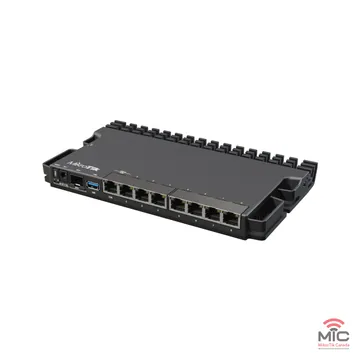
RB5009UG+S+IN, product code RB5009UG+S+IN: product details
Product code: RB5009UG+S+INCore and ISP-edge routers
USD 219.00MikroTik list priceRouter with 7 x 1 Gbit/s + 1 x 2.5 Gbit/s, 1 x SFP+ (10 Gbit/s); 4-core 88F7040; 1 GB RAM.
- CPU
- 88F7040, 4 cores, 350-1400 (auto) MHz
- RAM
- 1 GB
- Ethernet
- 7 x 1 Gbit/s + 1 x 2.5 Gbit/s
- Fibre
- 1 x SFP+ (10 Gbit/s)
- PoE input
- 802.3af/at, 24-57 V
- PoE output
- Not listed
Firewall test (official): 414 Mbps at 64 bytes · 3096.2 Mbps at 512 bytes · 9365.6 Mbps at 1518 bytes. Routing with about 25 filter rules, all ports together.
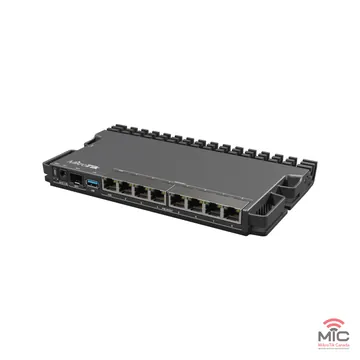
RB5009UPr+S+IN, product code RB5009UPr+S+IN: product details
Product code: RB5009UPr+S+INCore and ISP-edge routers
USD 299.00MikroTik list priceRouter with 7 x 1 Gbit/s + 1 x 2.5 Gbit/s, 1 x SFP+ (10 Gbit/s); 4-core 88F7040; 1 GB RAM; PoE output listed.
- CPU
- 88F7040, 4 cores, 350-1400 (auto) MHz
- RAM
- 1 GB
- Ethernet
- 7 x 1 Gbit/s + 1 x 2.5 Gbit/s
- Fibre
- 1 x SFP+ (10 Gbit/s)
- PoE input
- 802.3af/at (ether1), Mode B (ether2-ether8), 24-57 V
- PoE output
- 802.3af/at, on Ether1-Ether8, 130 W total
Firewall test (official): 414 Mbps at 64 bytes · 3096.2 Mbps at 512 bytes · 9365.6 Mbps at 1518 bytes. Routing with about 25 filter rules, all ports together.
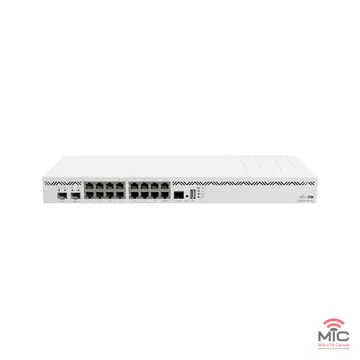
CCR2004-16G-2S+, product code CCR2004-16G-2S+: product details
Product code: CCR2004-16G-2S+Core and ISP-edge routers
USD 465.00MikroTik list priceRouter with 16 x 1 Gbit/s, 2 x SFP+ (10 Gbit/s); 4-core AL32400; 4 GB RAM.
- CPU
- AL32400, 4 cores, 1700 MHz
- RAM
- 4 GB
- Ethernet
- 16 x 1 Gbit/s
- Fibre
- 2 x SFP+ (10 Gbit/s)
- PoE input
- Not listed
- PoE output
- Not listed
Firewall test (official): 394.1 Mbps at 64 bytes · 4565.8 Mbps at 512 bytes · 8770.4 Mbps at 1518 bytes. Routing with about 25 filter rules, all ports together.
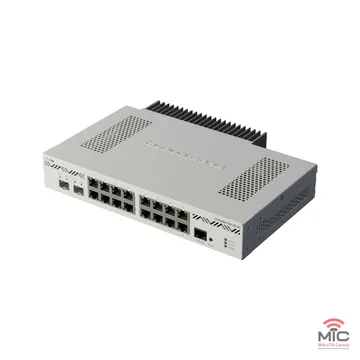
CCR2004-16G-2S+PC, product code CCR2004-16G-2S+PC: product details
Product code: CCR2004-16G-2S+PCCore and ISP-edge routers
USD 465.00MikroTik list priceRouter with 16 x 1 Gbit/s, 2 x SFP+ (10 Gbit/s); 4-core AL32400; 4 GB RAM.
- CPU
- AL32400, 4 cores, 1200 MHz
- RAM
- 4 GB
- Ethernet
- 16 x 1 Gbit/s
- Fibre
- 2 x SFP+ (10 Gbit/s)
- PoE input
- Not listed
- PoE output
- Not listed
Firewall test (official): 372.1 Mbps at 64 bytes · 2767.9 Mbps at 512 bytes · 8112.5 Mbps at 1518 bytes. Routing with about 25 filter rules, all ports together.
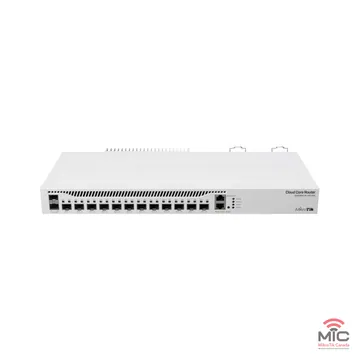
CCR2004-1G-12S+2XS, product code CCR2004-1G-12S+2XS: product details
Product code: CCR2004-1G-12S+2XSCore and ISP-edge routers
USD 595.00MikroTik list priceRouter with 1 x 1 Gbit/s, 12 x SFP+ (10 Gbit/s) + 2 x SFP28 (25 Gbit/s); 4-core AL32400; 4 GB RAM.
- CPU
- AL32400, 4 cores, 1700 MHz
- RAM
- 4 GB
- Ethernet
- 1 x 1 Gbit/s
- Fibre
- 12 x SFP+ (10 Gbit/s) + 2 x SFP28 (25 Gbit/s)
- PoE input
- Not listed
- PoE output
- Not listed
Firewall test (official): 636.3 Mbps at 64 bytes · 4854.3 Mbps at 512 bytes · 14303.7 Mbps at 1518 bytes. Routing with about 25 filter rules, all ports together.
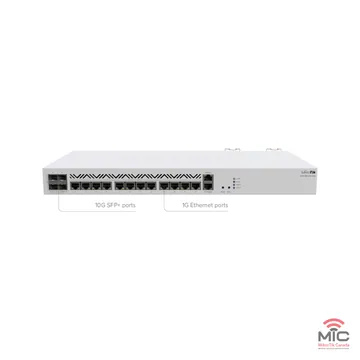
CCR2116-12G-4S+, product code CCR2116-12G-4S+: product details
Product code: CCR2116-12G-4S+Core and ISP-edge routers
USD 995.00MikroTik list priceRouter with 13 x 1 Gbit/s, 4 x SFP+ (10 Gbit/s); 16-core AL73400; 16 GB RAM.
- CPU
- AL73400, 16 cores, 2000 MHz
- RAM
- 16 GB
- Ethernet
- 13 x 1 Gbit/s
- Fibre
- 4 x SFP+ (10 Gbit/s)
- PoE input
- Not listed
- PoE output
- Not listed
Firewall test (official): 2122.4 Mbps at 64 bytes · 16088.7 Mbps at 512 bytes · 39009 Mbps at 1518 bytes. Routing with about 25 filter rules, all ports together.
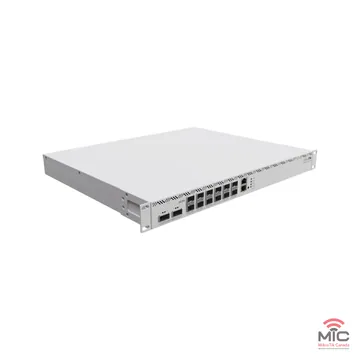
CCR2216-1G-12XS-2XQ, product code CCR2216-1G-12XS-2XQ: product details
Product code: CCR2216-1G-12XS-2XQCore and ISP-edge routers
USD 2,795.00MikroTik list priceRouter with 1 x 1 Gbit/s, 12 x SFP28 (25 Gbit/s) + 2 x QSFP28 (100 Gbit/s); 16-core AL73400; 16 GB RAM.
- CPU
- AL73400, 16 cores, 2000 MHz
- RAM
- 16 GB
- Ethernet
- 1 x 1 Gbit/s
- Fibre
- 12 x SFP28 (25 Gbit/s) + 2 x QSFP28 (100 Gbit/s)
- PoE input
- Not listed
- PoE output
- Not listed
Firewall test (official): 1469.4 Mbps at 64 bytes · 11655.6 Mbps at 512 bytes · 34660.2 Mbps at 1518 bytes. Routing with about 25 filter rules, all ports together.
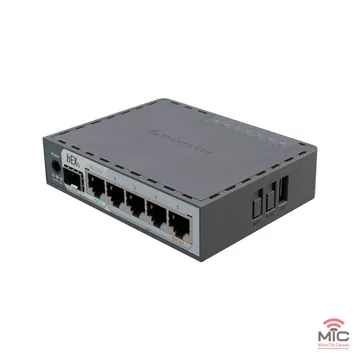
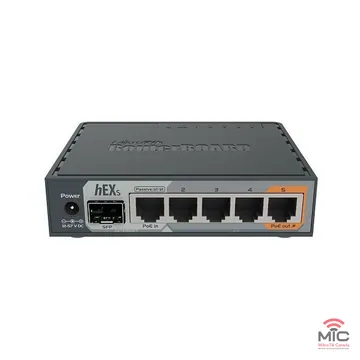
hEX S (2025), product code E60iUGS: product details
Product code: E60iUGSSmaller routers for home office, branch and IoT
USD 69.00MikroTik list priceRouter with 5 x 1 Gbit/s, 1 x SFP (1 Gbit/s) 2.5G supported; 2-core EN7562CT; 512 MB RAM; PoE output listed.
- CPU
- EN7562CT, 2 cores, 950 MHz
- RAM
- 512 MB
- Ethernet
- 5 x 1 Gbit/s
- Fibre
- 1 x SFP (1 Gbit/s) 2.5G supported
- PoE input
- 802.3af/at, 18-57 V
- PoE output
- Passive PoE up to 57V, on Ether5
Firewall test (official): 63.6 Mbps at 64 bytes · 498.1 Mbps at 512 bytes · 1430.3 Mbps at 1518 bytes. Routing with about 25 filter rules, all ports together.
hEX S, product code RB760iGS: product details
Product code: RB760iGSSmaller routers for home office, branch and IoT
USD 79.00MikroTik list priceRouter with 5 x 1 Gbit/s, 1 x SFP (1 Gbit/s); 2-core MT7621A; 256 MB RAM; PoE output listed.
- CPU
- MT7621A, 2 cores, 880 MHz
- RAM
- 256 MB
- Ethernet
- 5 x 1 Gbit/s
- Fibre
- 1 x SFP (1 Gbit/s)
- PoE input
- 802.3af/at, 12-57 V
- PoE output
- Passive PoE up to 57V, on Ether5
Firewall test (official): 35 Mbps at 64 bytes · 265.2 Mbps at 512 bytes · 766.4 Mbps at 1518 bytes. Routing with about 25 filter rules, all ports together.
L009UiGS-RM, product code L009UiGS-RM: product details
Product code: L009UiGS-RMSmaller routers for home office, branch and IoT
USD 119.00MikroTik list priceRouter with 8 x 1 Gbit/s, 1 x SFP (1 Gbit/s) 2.5G supported; 2-core IPQ-5018; 512 MB RAM; PoE output listed.
- CPU
- IPQ-5018, 2 cores, 800 MHz
- RAM
- 512 MB
- Ethernet
- 8 x 1 Gbit/s
- Fibre
- 1 x SFP (1 Gbit/s) 2.5G supported
- PoE input
- 802.3af/at, 24-56 V
- PoE output
- Passive PoE, on Ether8
Firewall test (official): 42.4 Mbps at 64 bytes · 323.6 Mbps at 512 bytes · 970.3 Mbps at 1518 bytes. Routing with about 25 filter rules, all ports together.
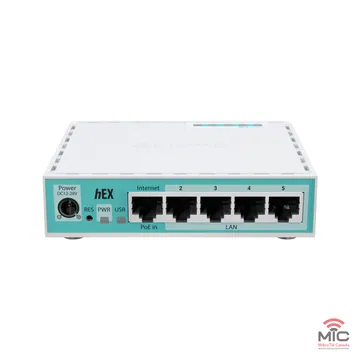
hEX refresh, product code E50UG: product details
Product code: E50UGSmaller routers for home office, branch and IoT
USD 59.95MikroTik list priceRouter with 5 x 1 Gbit/s; 2-core EN7562CT; 512 MB RAM.
- CPU
- EN7562CT, 2 cores, 950 MHz
- RAM
- 512 MB
- Ethernet
- 5 x 1 Gbit/s
- Fibre
- No fibre cage listed
- PoE input
- Passive PoE, 12-28 V
- PoE output
- Not listed
Firewall test (official): 63.6 Mbps at 64 bytes · 498.1 Mbps at 512 bytes · 1430.3 Mbps at 1518 bytes. Routing with about 25 filter rules, all ports together.
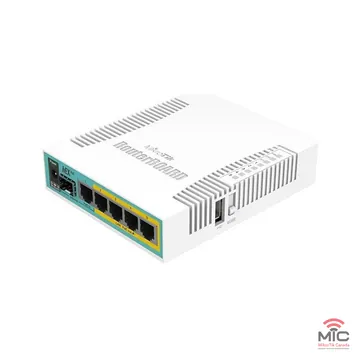
hEX PoE, product code RB960PGS: product details
Product code: RB960PGSSmaller routers for home office, branch and IoT
USD 89.00MikroTik list priceRouter with 5 x 1 Gbit/s, 1 x SFP (1 Gbit/s); 1-core QCA9557; 128 MB RAM; PoE output listed.
- CPU
- QCA9557, 1 core, 800 MHz
- RAM
- 128 MB
- Ethernet
- 5 x 1 Gbit/s
- Fibre
- 1 x SFP (1 Gbit/s)
- PoE input
- Passive PoE, 12-57 V
- PoE output
- 802.3af/at, on Ether2-Ether5
Firewall test (official): 39.2 Mbps at 64 bytes · 319.5 Mbps at 512 bytes · 905.9 Mbps at 1518 bytes. Routing with about 25 filter rules, all ports together.
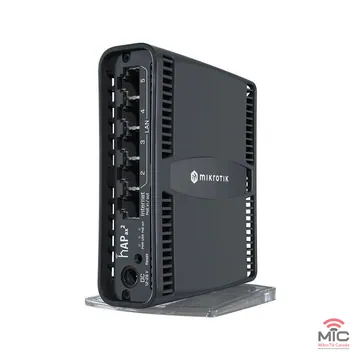
hAP ax², product code C52iG-5HaxD2HaxD-TC: product details
Product code: C52iG-5HaxD2HaxD-TCSmaller routers for home office, branch and IoT
USD 99.00MikroTik list priceRouter with 5 x 1 Gbit/s; 4-core IPQ-6010; 1 GB RAM; PoE output listed.
- CPU
- IPQ-6010, 4 cores, 864 MHz
- RAM
- 1 GB
- Ethernet
- 5 x 1 Gbit/s
- Fibre
- No fibre cage listed
- PoE input
- Passive PoE, 18-28 V
- PoE output
- Passive PoE, on Ether 1, 16.8 W total
Firewall test (official): 122.4 Mbps at 64 bytes · 912.9 Mbps at 512 bytes · 2625.1 Mbps at 1518 bytes. Routing with about 25 filter rules, all ports together.
No device or kit matches the current search and filters.
Clear the filters, or change the search words.
We could not find “”Ask us about your router choice
This router or product is not currently listed. That does not mean we cannot help. Describe what you need and our team will review your request and contact you with advice on a suitable solution.Tell us what you are trying to do. Your estimator answers and what you were looking at are included, so you do not need to repeat them. Our team will review your request and reply.
Prototype Requests are not delivered yet, so nothing you enter here is sent. Contact us another way.
You can also search the whole MikroTik Canada store (opens the store's own search). Searching the store from this page is not connected.
Accessories and related products
SFP and SFP+ modules and cables
Routers with fibre cages need modules or cables. Check the official page for what is in the box before you order.
Switches
When a router has too few ports, a switch adds more and can carry VLANs.
Power and accessories
PoE injectors, power supplies and mounting parts.
Choosing products and quantities and sending them to the store cart is the next purchasing step (F3 and F4, decision D-09) and is deliberately not shown. Each product links to the store.
Help choosing
Who it helps
- Managed IT providersA consistent firewall at every client site is the starting point for secure, supportable networks.
When it is a good fit
- You manage a network that needs a clear line between the inside and the Internet
- Several devices must share one Internet connection
- You want to decide exactly which services may be reached from outside
- You support more than one site and want the same rules at each
- You need to log or limit specific traffic
Planning your setup
- List what must be reachable. Write down the services that outside users really need, and who may manage the router.
- Choose a strategy. Either allow only the traffic you list and drop everything else, or drop only known-bad traffic and allow the rest. The first is more secure but needs more upkeep; MikroTik's documentation describes both.
- Protect the router and the network separately. Rules for traffic to the router (the input chain) are separate from rules for traffic passing through it (the forward chain).
- Test from both sides. Check from outside and inside that the rules do what you intended before relying on them.
What RouterOS provides (from MikroTik's documentation)
Stateful packet filtering
The firewall filters traffic to, from and through the router, using connection tracking to relate packets that belong to the same connection.
Source: MikroTik documentation: Firewall
Separate chains for different traffic
Filter rules are organised into chains: input for traffic to the router, forward for traffic through it, and output for traffic from it.
Connection tracking
Tracking lets stateful rules work even for connectionless protocols such as UDP, and NAT relies on it to translate all packets of a connection the same way.
Network address translation (NAT)
A NAT gateway lets devices on a local network use one set of addresses internally and another externally. RouterOS supports NAT for IPv4; it does not support NAT64.
Source: MikroTik documentation: NAT
Features depend on the RouterOS version, the hardware model and its licence level; confirm them for the model you choose.
Learning resources
- MikroTik documentation: FirewallWhat the RouterOS firewall does and how it is organised.
- MikroTik documentation: Firewall filterChains, and the two ways to write rules.
- MikroTik documentation: NATHow network address translation works in RouterOS.
- MikroTik Canada trainingCertified courses on MikroTik routing and security.
Related solutions
Not sure which one fits?
Tell us about your network and we will help you choose.
Talk to MikroTik CanadaSources
- MikroTik documentation: Firewall (checked 2026-10-01)
- MikroTik documentation: Firewall filter (checked 2026-10-01)
- MikroTik documentation: Connection tracking (checked 2026-10-01)
- MikroTik documentation: NAT (checked 2026-10-01)
Capabilities are as described in the sources when they were checked. They depend on the RouterOS version, the hardware model and its licence level: confirm them for your model before you buy.
Quote builder
Prototype- Products
- Contact
- Delivery
- Tax
Step 1 of 5: Products
Draft estimate and request: not a quotation. Prices are MikroTik list prices in USD (CAD uses the configured manual rate). A quotation exists only when MikroTik Canada issues one. Add your products, then continue step by step; nothing is sent until you submit at the end.
Your quote is empty. Use "Add to quote" on a product card or product page, or search above.
- Subtotal
- Not available
- Shipping
- Shipping pending
- Tax and total
- Shown in the review
Quotation request preview
Draft estimate and request, not a quotation. A quotation exists only when MikroTik Canada issues one. Previewing sends nothing and uses no quotation number.